DayZ Expansion AI Loadout Builder
Equip a patrol with clothing, weapons, attachments and cargo. See the outfit in 3D, test what can spawn, then download the loadout JSON for your DayZ Expansion server.
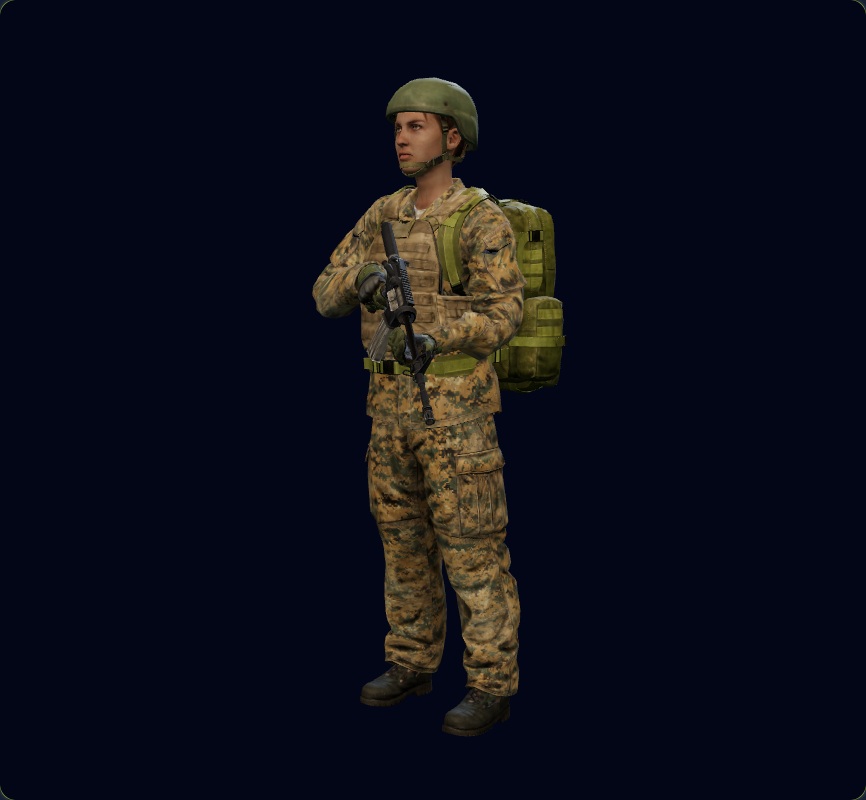
From existing JSON to a tested loadout
-
Create or import
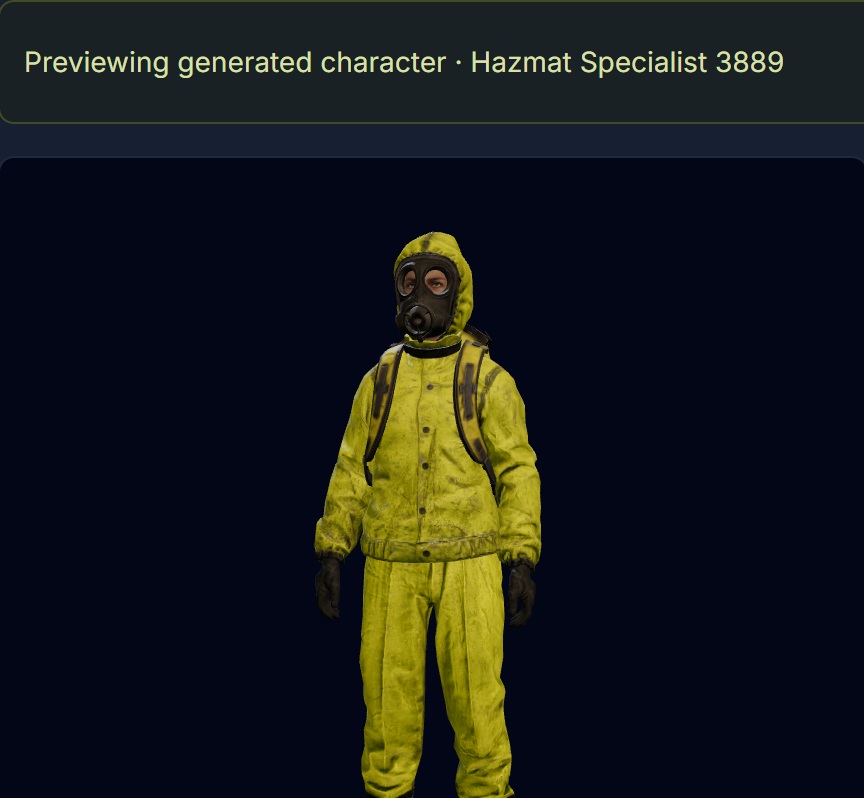
Open Expansion → AI Loadouts in your instance. Start a new loadout, import an existing Expansion JSON file, or use the character generator to start with a role such as hunter, field medic or hazmat specialist.
-
Equip and check
Choose gear by name or classname. Add magazines, optics and other attachments, pack cargo, and set the chances for alternate items. Validate the draft to flag issues such as incompatible attachments and cargo that will not fit.
-
Simulate and export
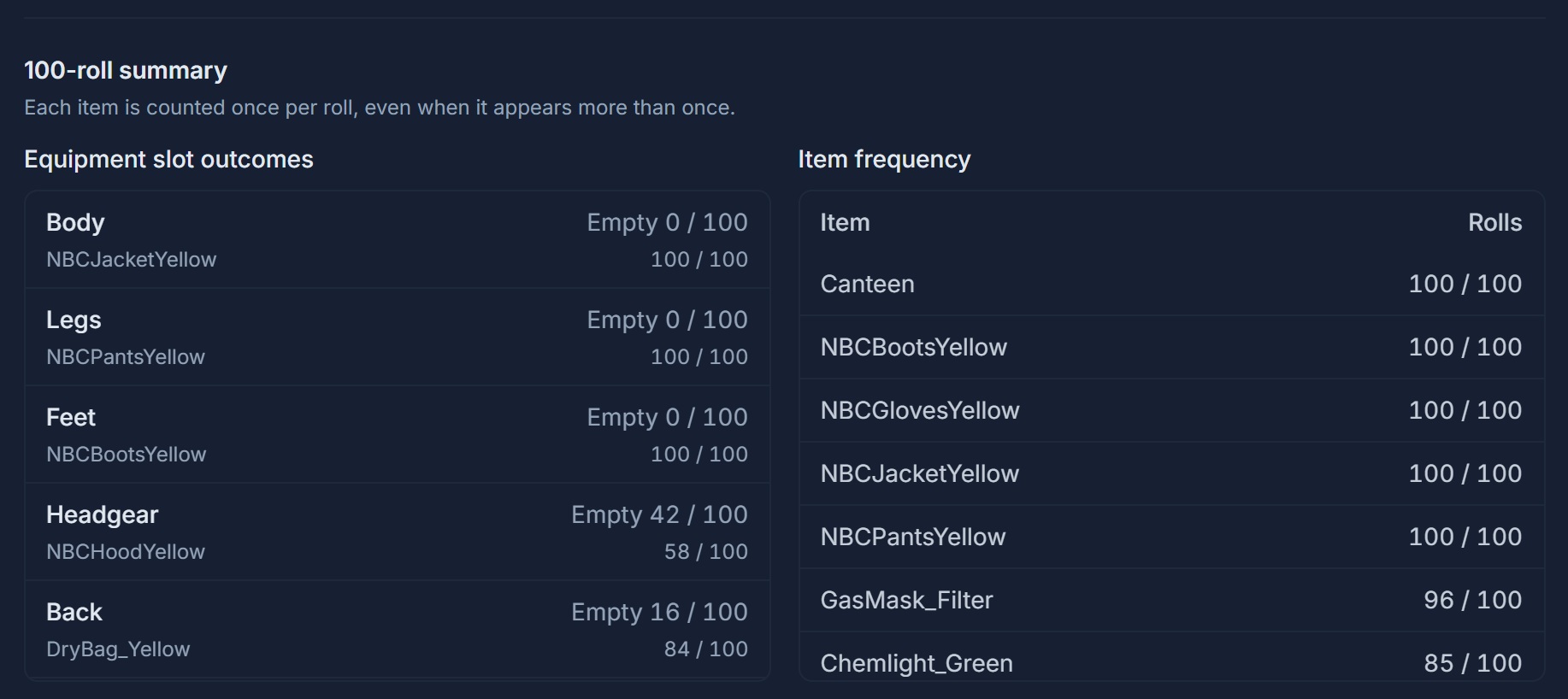
Roll a single spawn or run 100 rolls to see how often each item appears. Reuse a seed to replay a result. When you are happy with the loadout, save it and download the Expansion JSON.
Generate a role-based loadout
Review a generated character’s gear and cargo before applying it to your draft. Preview the outfit from different angles and swap equipment in the matching slot. The 3D Outfit Builder is included with Platinum.
See what a patrol can spawn with
Check which gear appears most often and how often a slot is empty. For example, you can see whether a member of your patrol frequently spawns without headgear and adjust the item chances before exporting.
Build your next Expansion patrol loadout
In your DZconfig instance, go to Expansion → AI Loadouts.